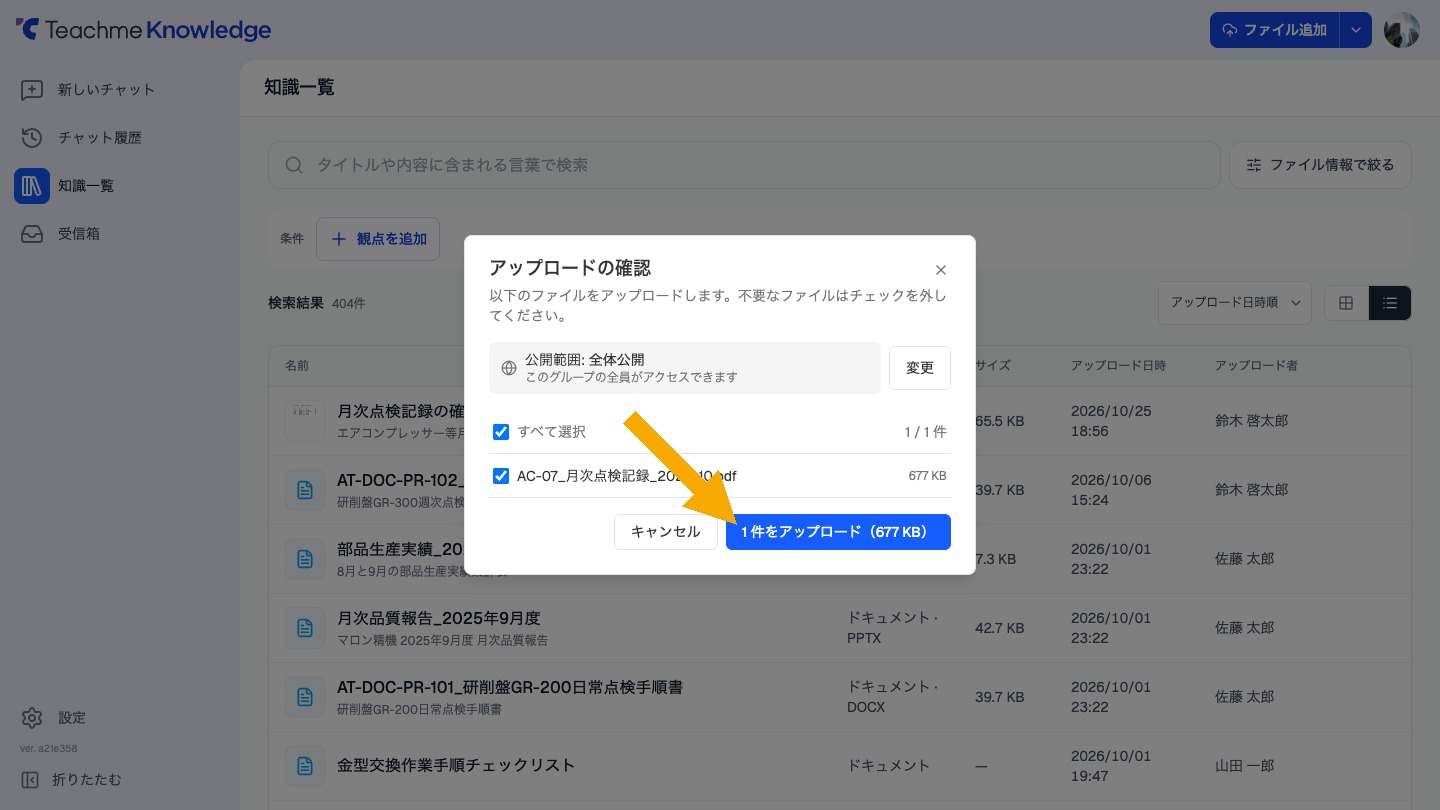
You can now review files selected via "Add File" or dropped onto the knowledge list in "Upload Confirmation" before uploading.
You can uncheck any files you do not want to upload.
The sharing scope (public to all / partial sharing) for the upload is also displayed.
When adding a folder, the sharing scope is displayed on the "Upload file" screen.
Related: Adding a file
https://teachme.jp/8/manuals/50838360